
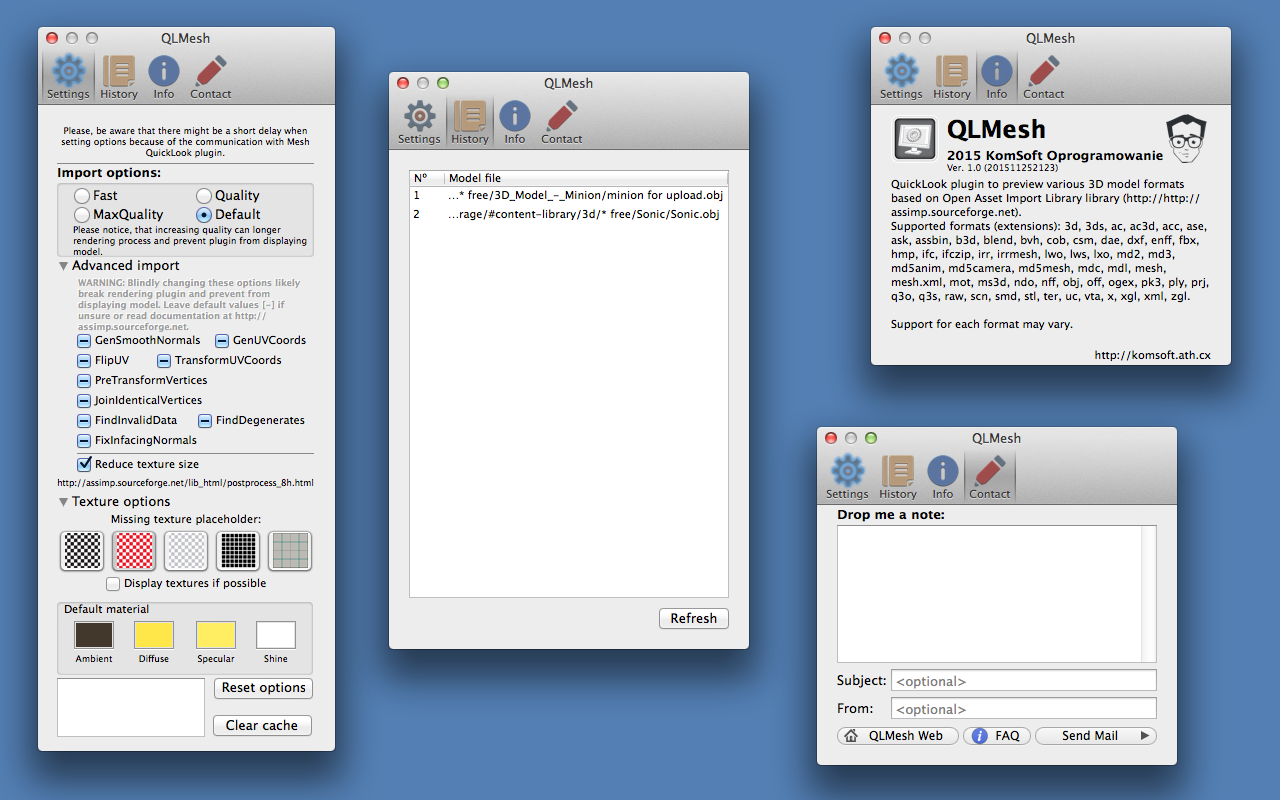
QLMesh - control application
Part of the QLMesh is control application for quicklook plugin. Usually that would not be anything worth to write an blog entry about, however for MacStore applications this is a very different story.
MacStore applications are all sanboxed. There are ways to communicate and share data between such applications, eg. using App groups, but quicklook plugins do not support that feature. After struggling for some time with this problem I came out with this simple solution:
- register additional file type/extension managed by your plugin - dedicated for passing settings to the plugin
- when you want to pass some settings to the plugin - save settings in a file with a special extension and request a quicklook thumbnail for that file
- you plugin will be executed with settings file - you can now configure your plugin
That’s easy. Now hardest part: how to send some data (eg. current configuration) from plugin to Control application. Encode data in thumbnail image and send it back from plugin.
Some coding - function for decoding CGDictionary to CGImage:
CGImageRef _decodeDictToCGImage(CFDictionaryRef dictref, const int thsize)
{
NSDictionary *dict = (__bridge NSDictionary *)dictref;
// Get a color space
CGColorSpaceRef colorSpace = CGColorSpaceCreateWithName(kCGColorSpaceGenericRGB);
NSData *decodedData = [NSKeyedArchiver archivedDataWithRootObject:dict];
const long decodedDataSize = decodedData.length;
NSMutableData *paddedData = [NSMutableData dataWithBytes:&decodedDataSize length:sizeof(long)];
[paddedData appendData:decodedData];
int sz = thsize; // min. thumbnail size
if (decodedData.length < sz*sz*3)
[paddedData increaseLengthBy:sz*sz*3-decodedData.length];
else {
sz = ceil(sqrtf(decodedData.length/3));
[paddedData increaseLengthBy:sz*sz*3-decodedData.length];
}
const char* rgb = [paddedData bytes];
char* rgba = (char*)malloc(sz*sz*4);
for(int i=0; i < sz*sz; ++i)
{
rgba[4*i] = rgb[3*i];
rgba[4*i+1] = rgb[3*i+1];
rgba[4*i+2] = rgb[3*i+2];
rgba[4*i+3] = 0xff;
}
// Assuming the decoded data is only pixel data
CGDataProviderRef dataProvider = CGDataProviderCreateWithData(NULL, rgba, sz*sz*4, NULL);
// Given size_t width, height which you should already have somehow
CGImageRef image = CGImageCreate(
sz, sz,
/* bpc */ 8, /* bpp */ 32, /* pitch */ sz*4,
colorSpace, kCGBitmapByteOrderDefault|kCGImageAlphaNone,
dataProvider, /* decode array */ NULL, /* interpolate? */ FALSE,
kCGRenderingIntentDefault /* adjust intent according to use */ );
if (image == nil)
NSLog(@"Failed to create image from %@.", decodedData);
#if 0
NSData *data = (id)CFBridgingRelease(CGDataProviderCopyData(CGImageGetDataProvider(image)));
NSLog(@"output image: %zux%zu %zu, %zu, %@ %lu",
CGImageGetWidth(image), CGImageGetHeight(image),
CGImageGetBitsPerPixel(image), CGImageGetBitsPerComponent(image),
data, [(id)data length]);
#endif
// Release things the image took ownership of.
CGDataProviderRelease(dataProvider);
CGColorSpaceRelease(colorSpace);
if (rgba) free(rgba);
return image;
}
Comments